Offer appointment booking on your website with the OneDoc widget
With OneDoc Hub, add online appointment booking directly to your website so patients can book in just a few clicks.
Turn website visits into booked appointments with the OneDoc Hub widget
01
Add appointment booking to your website in just a few clicks
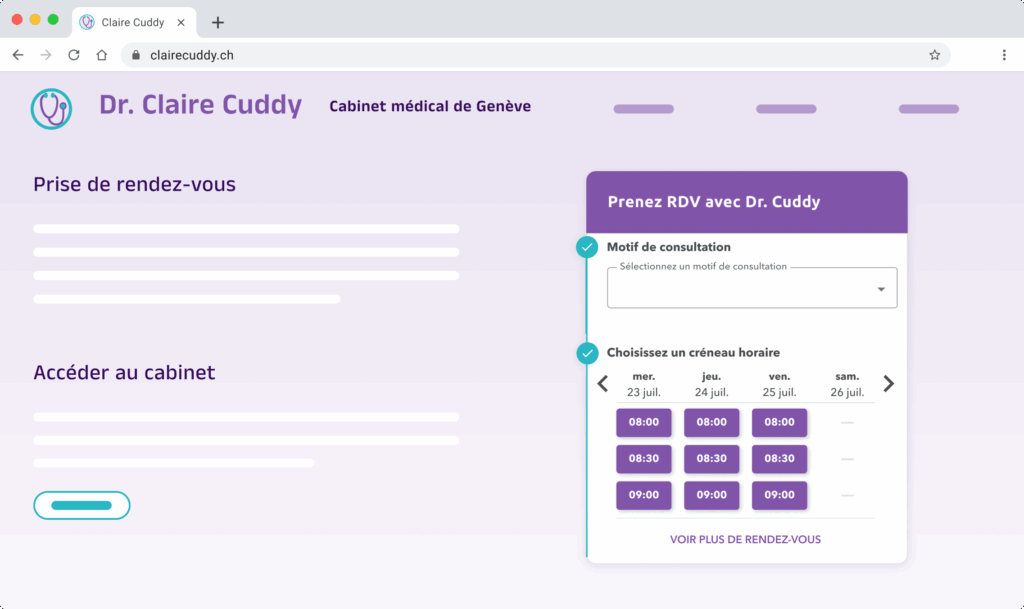
OneDoc provides a ready-to-use widget. Simply copy and paste the code into your website, and your patients can book appointments online without any complex technical setup.
02
Control appointment booking options on your website
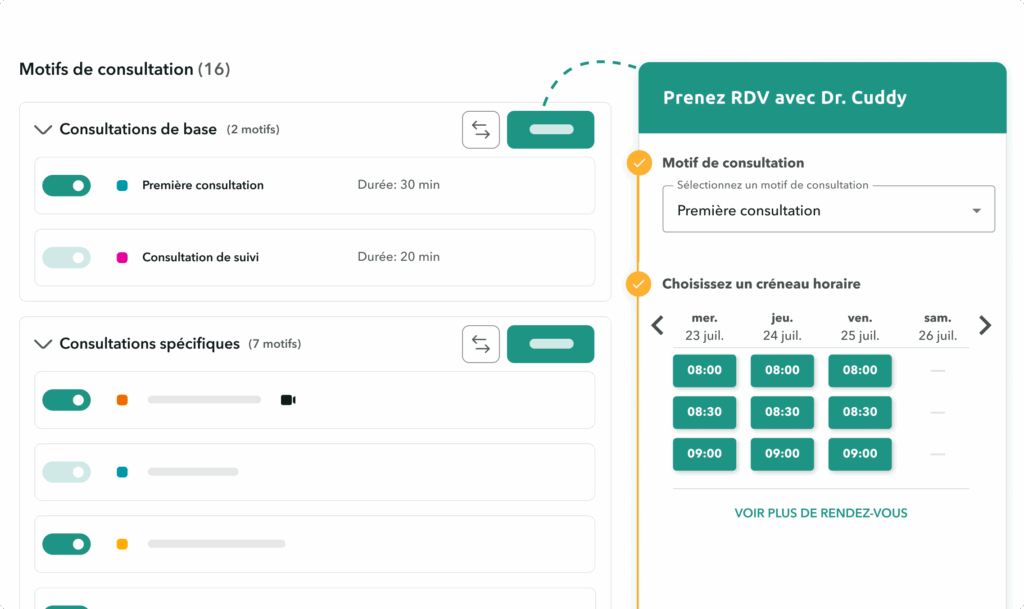
Choose which appointment types and healthcare professionals patients can book through the widget. This simplifies the patient journey and prevents booking errors.
03
Customize your widget to reflect your practice’s brand
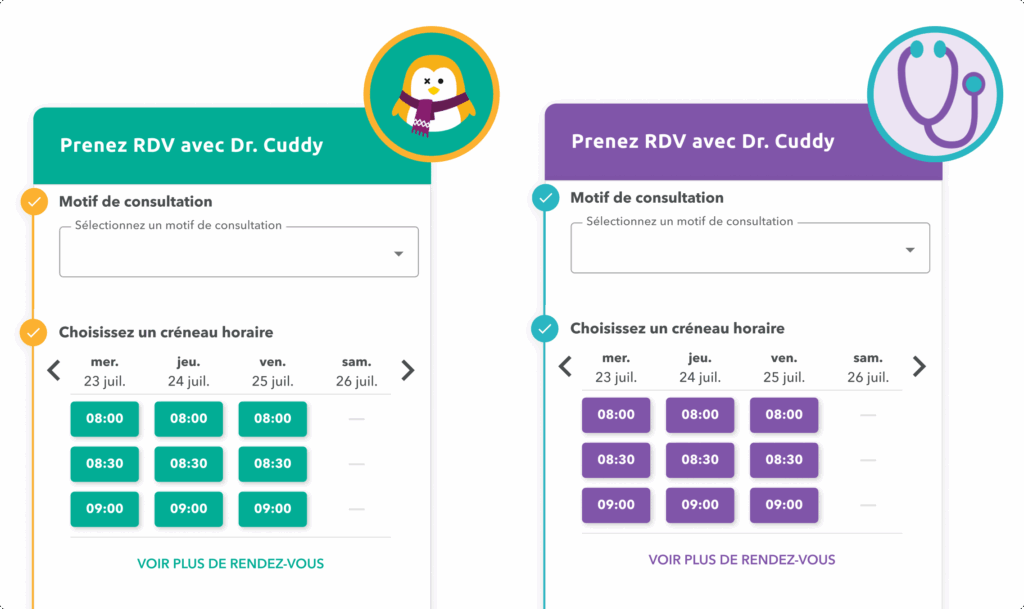
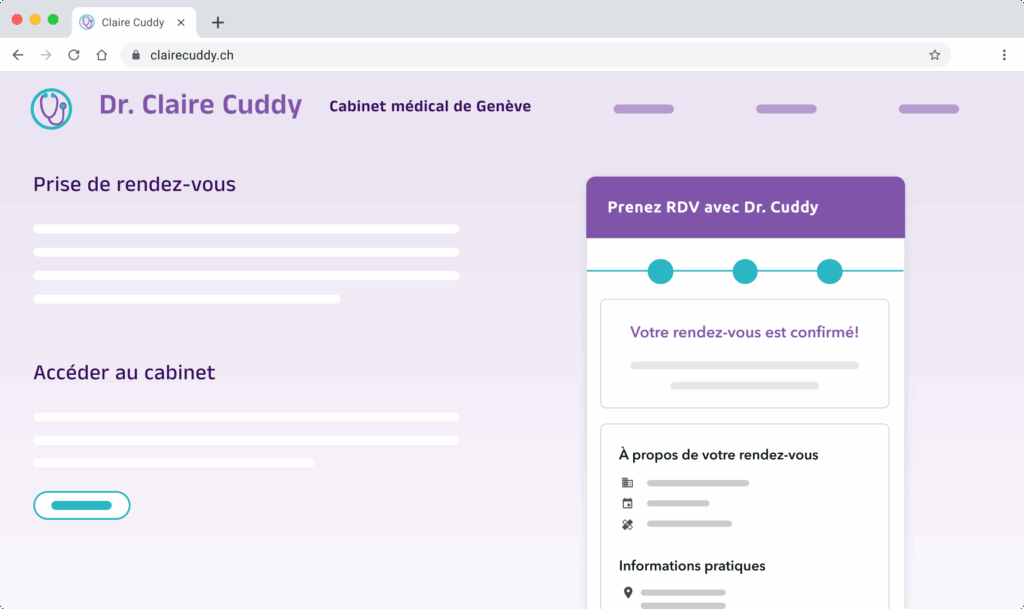
Match the widget’s colors and style to the visual identity of your practice or medical center. This gives patients a consistent, reassuring experience that feels fully integrated with your website.
04
Centralize every appointment in your medical agenda
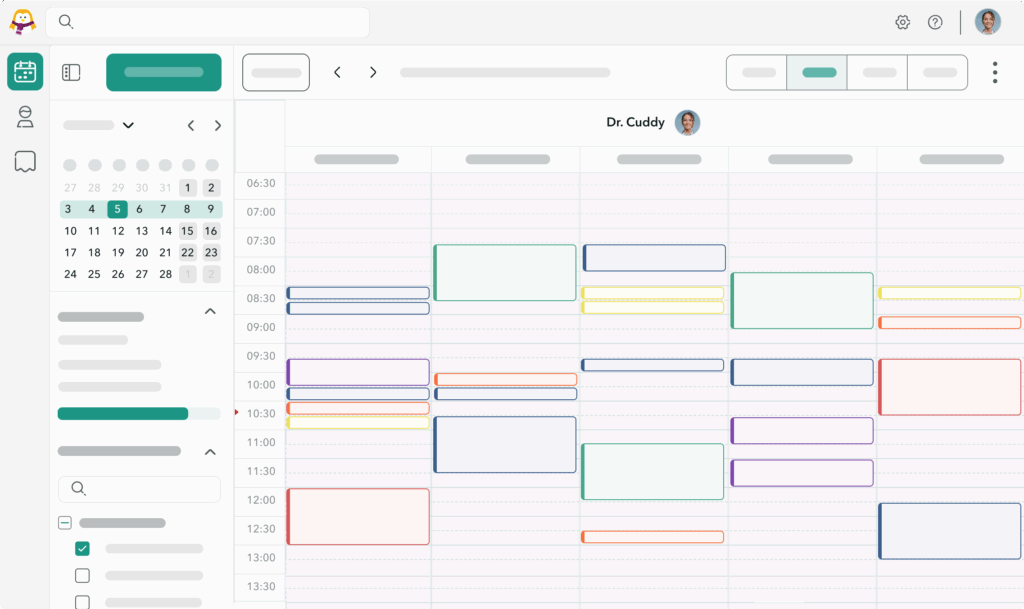
Whether you use the OneDoc agenda or the agenda in your medical software, every appointment booked through your website widget is automatically centralized. You maintain a clear view of your agenda, regardless of the booking channel.
05
Track and optimize your website’s performance
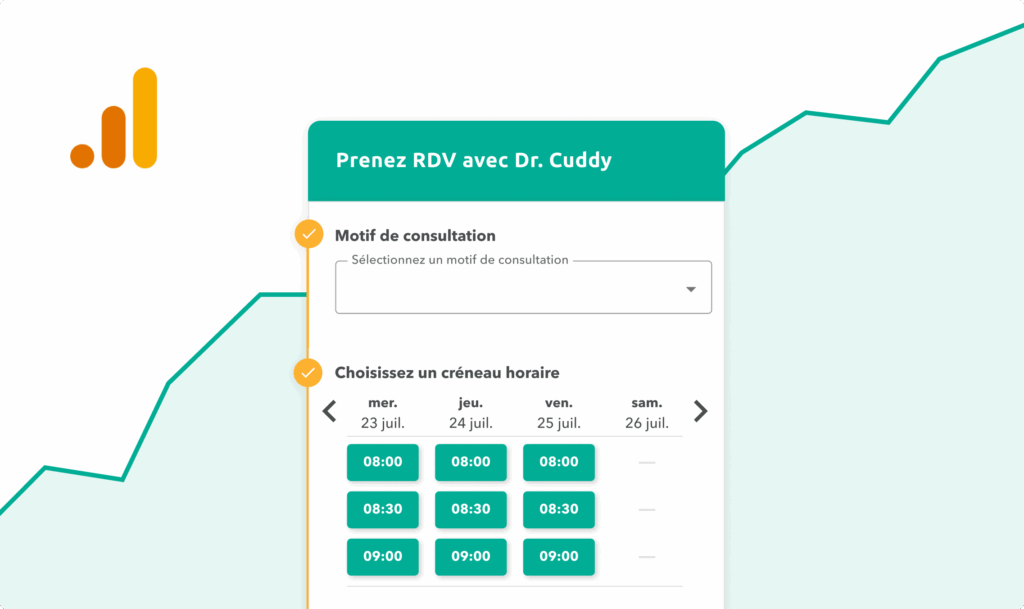
Track appointments booked through your website, your most popular appointment types, and the impact of your marketing efforts. The OneDoc widget helps you identify what works and adjust your communications accordingly.
06
Keep patients within your ecosystem
With the online booking widget, patients stay on your website instead of booking elsewhere. They benefit from a clear, familiar booking journey that is available 24/7.
Works with
Frequently asked questions about the OneDoc Pro widget
What is a widget?
A widget is a module that you add to your website.
The OneDoc widget displays your real-time availability, just as it appears on OneDoc.ch, so patients can book appointments online directly from your practice’s website.
You can also customize its appearance to match your colors.
Why should I add an online booking widget to my website?
Adding an online booking widget to your website offers many benefits. Patients can book consultations directly from your site 24/7 without calling your practice. You simplify their journey while meeting their expectations for convenience and accessibility. The widget also helps keep patients on your website instead of booking with another healthcare professional, reduces the administrative workload for your front desk, and improves your practice’s organization. An integrated booking module also strengthens your professional image by giving patients a smooth, modern experience.
Do I need technical skills to add the OneDoc Pro widget?
No. You do not need any technical skills to add the OneDoc Pro widget to your website. Setup is quick and easy: simply copy and paste the embed code provided by OneDoc into the appropriate section of your website. Your booking module will be active within minutes, with no complex development or outside assistance required. You can offer online appointment booking with no additional effort.
To help you get started, we have written guides for installing the widget on WordPress and Wix. The widget is also compatible with other website builders.
Can the OneDoc Pro widget track online booking performance?
Yes. The OneDoc Pro widget includes analytics tools for tracking online booking performance. You can see how many appointments are booked through your website, identify the most popular appointment types, and measure the impact of your marketing efforts. These insights help you optimize your communications, adjust your services, and maximize your online visibility.